The page
A quiet page, with room for two.
Just you, your words and a lovely serif. Literally remembers where you left off, and split view puts two chapters side by side.
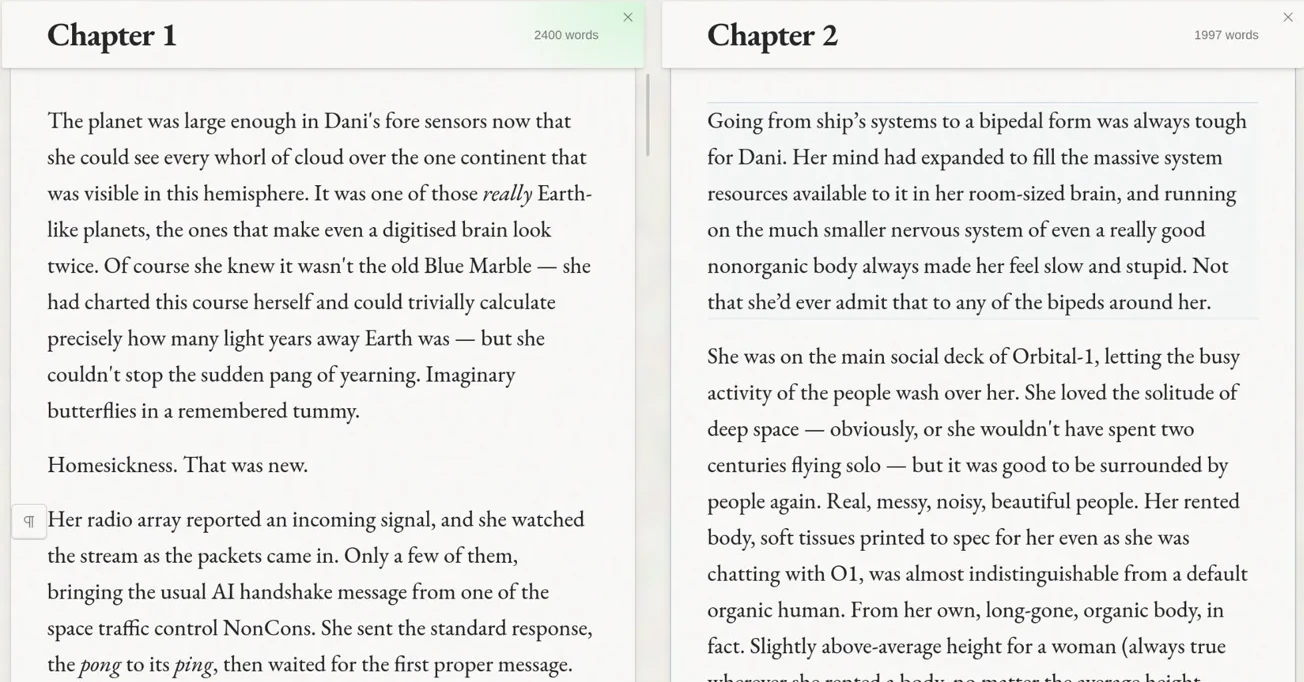

Every chapter header carries its draft and its word count.
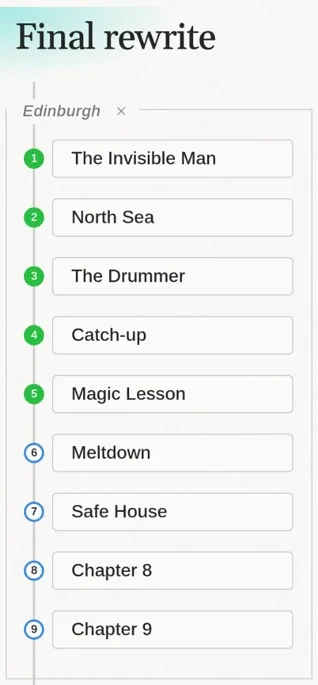
Finished chapters turn green.
Still moving stay blue until you lock them in.
Sections group chapters into parts of the story.
The outline
Your whole book, in order.
Sections, chapters and moments on a timeline. Drag them until the story sits right, and watch the book fill in, one green tick at a time.
The numbers
Watch the words add up.
Daily goals or 50,000 words in November. Literally works out your pace, keeps your streak, and forgives the odd day off. Here's what you'll be looking at.
Challenges
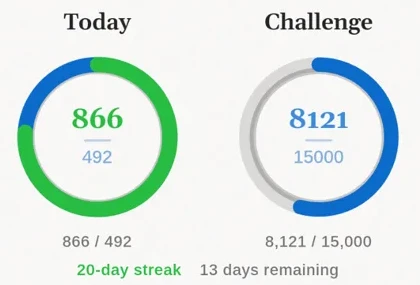
Two rings: today, and the whole challenge.
Set a daily goal or a timeboxed target. The streak only counts days your words actually change.

TOP
Today's words over today's target, with your streak beside the flame.
The word rail
Always in the corner of your eye.
It sits quietly beside the page while you write. Glance at it. Don't stare.
BOTTOM
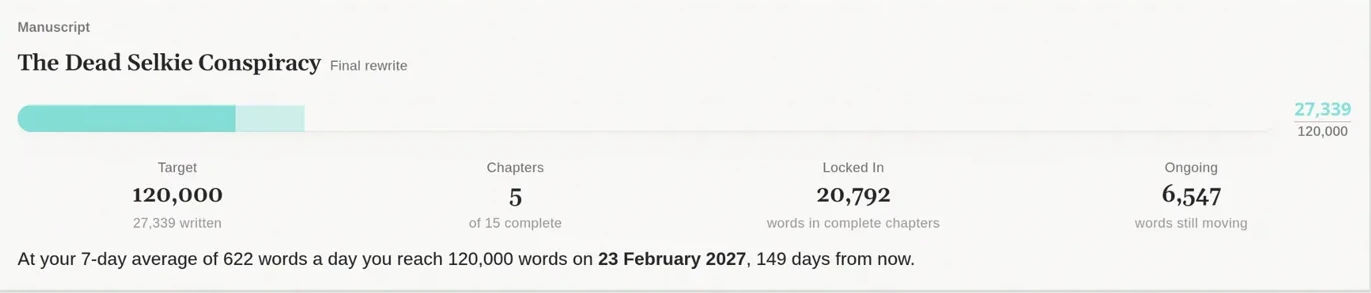
The whole manuscript filling up towards its target.
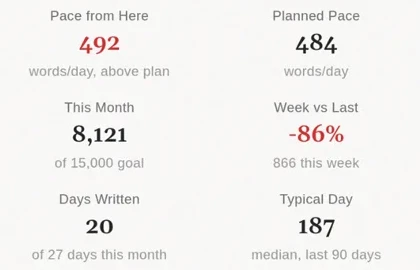
Pace
Behind? It does the arithmetic.
Exactly how many words a day gets you back on track. No guilt, just numbers.
Progress Dashboard
“You reach 120,000 words on 23 February 2027.”
Your average becomes a finish line, and it moves every time you write.
Super Search
Go anywhere without leaving the keyboard.
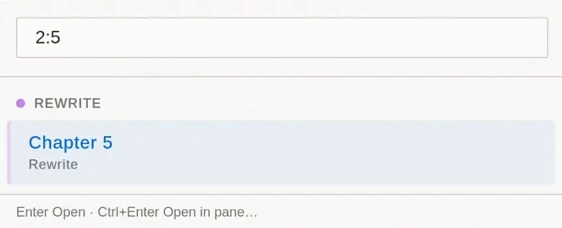
Open a chapter by number or name. Every command lives there too, from Settings to adding a moment to the chapter you're in.
3:2
or
final:north